









Korean text-motion video + real-photo briefs — May 26 update
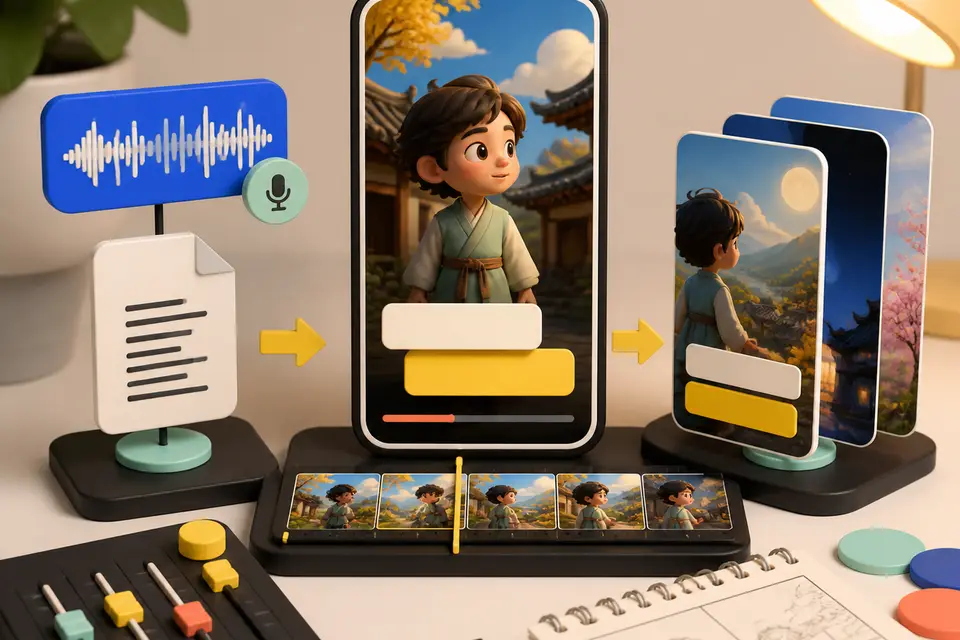
Hera and Remotion ship as a text-motion provider class. Daily briefs switch from AI illustrations to real Pexels photos. Every trend card now opens Easy Video Maker with one click.
Video production, YouTube Shorts strategy, channel growth — everything creators need.
Looking for deeper dives? Guides hub or FAQ.
Pick a topic to filter the posts.

Hera and Remotion ship as a text-motion provider class. Daily briefs switch from AI illustrations to real Pexels photos. Every trend card now opens Easy Video Maker with one click.

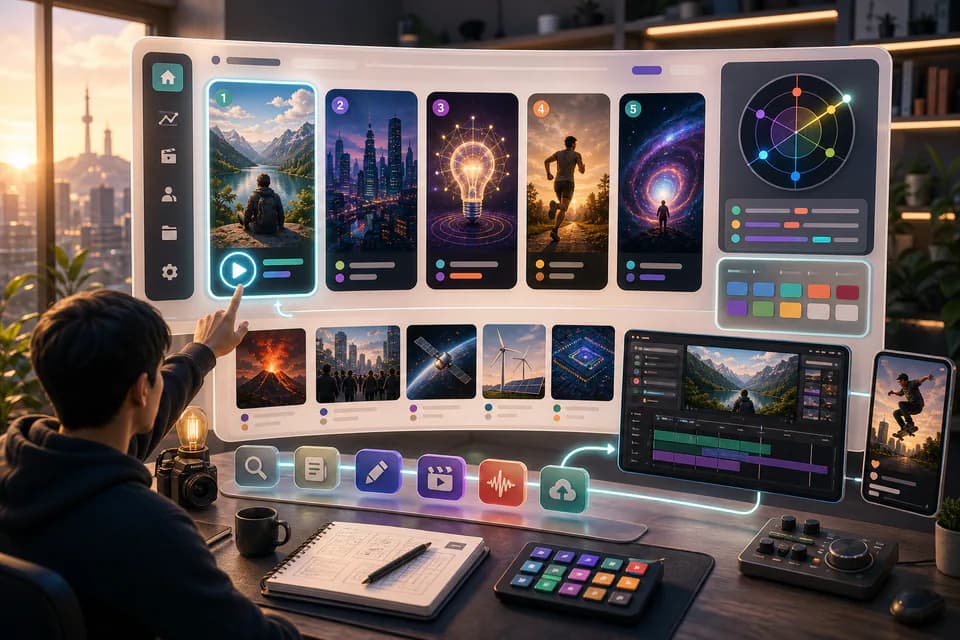
An LLM scans Korean YouTube trending once a day and writes 5 ready-to-make briefs — hook line, three angles, recommended format, runtime estimate. The home page redesign gives you a reason to come back every day.

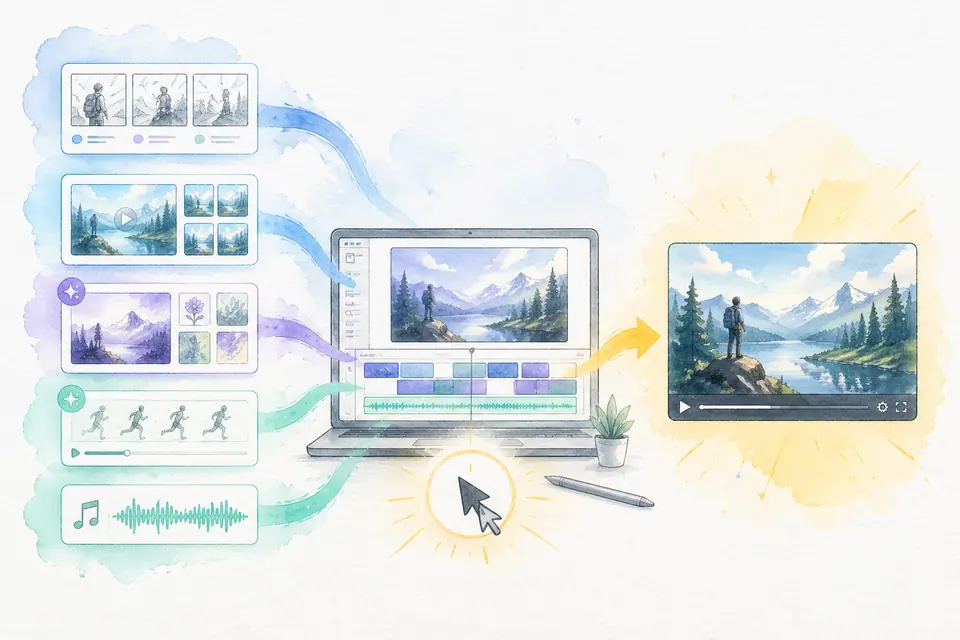
Stock matching, AI image / AI video generation, BGM, render — six steps in one click. Set ratios and order yourself. MeteorStudio's flagship automation.

AI auto-extracts Shorts from long YouTube videos. Highlight detection, vertical conversion, automatic captions — all in one pass.

Paste a script → video, captions, and BGM finish themselves. The fastest way to make YouTube Shorts without filming — MeteorStudio Easy Video Builder Shortform.

Analyze trending YouTube topics in real time. Hot topics by category, rising keywords, competition analysis — pick high-view topics from data, not vibes.

No editing experience required — follow 4 steps. Pick a template, drop in content, let AI auto-edit. The easiest YouTube production tool.

Generate high-CTR YouTube thumbnails automatically. Type a description and get pro-designer-grade images. Free to try.

A channel-analytics tool more intuitive than YouTube Studio. Subscribers, view trends, top performers, viewer behavior — all on one screen.

Compare your channel against similar-sized YouTube channels. Views, growth rate, content strategy — strategize from benchmarks.

Give editors, writers, and designers the right permissions and collaborate efficiently. MeteorStudio Team management structures your operation.

Save caption style, colors, fonts, and intro/outro as channel rules. Whoever makes the video, the brand feel is the same.

Keep every project in one place. Per-project version control, search, and re-editing.

Organize AI-generated images, thumbnails, and graphics in one library. Folder organization, tags, and reuse.

Compare Free, Premium, and Team plans. Credit system, feature differences, and how to upgrade.
![7 strategies to explode your YouTube Shorts views [2026] cover image](/_next/image?url=%2Fimages%2Fblog%2Fyoutube-shorts-views-tips.webp&w=3840&q=75)
Shorts not getting views? Patterns the algorithm rewards, upload timing, and first-second strategy — practical proven tactics.
![Complete YouTube beginner creator guide [2026] cover image](/_next/image?url=%2Fimages%2Fblog%2Fbeginner-creator-guide.webp&w=3840&q=75)

From starting a channel to your first 1000 subs. Channel setup, topic picking, production, and Shorts strategy — a complete beginner playbook.

How to run a YouTube channel alone and still publish daily. Use AI automation to cut planning-through-editing time by 5×.

Compare the major 2026 AI video editing tools. Pricing, features, Korean support, ease of use — find the right fit.
![YouTube Shorts algorithm fully analyzed [2026] cover image](/_next/image?url=%2Fimages%2Fblog%2Fyoutube-shorts-algorithm-2026.webp&w=3840&q=75)
How the YouTube Shorts algorithm works. Decision factors, recommendation mechanics, and how to earn views without subscribers.

Grow on data, not vibes. Core metrics, analysis methods, improvement cycles — a practical YouTube data-analysis guide.

How to run a YouTube channel efficiently with editors, writers, and managers. Role allocation, approval workflow, and tooling — a complete team-operations guide.
![Shorts vs long-form — what mix is optimal? [2026] cover image](/_next/image?url=%2Fimages%2Fblog%2Fshorts-vs-longform-strategy.webp&w=3840&q=75)
Shorts and long-form — what ratio should you upload? Stage-by-stage strategy, monetization differences, and algorithm reactions.

From signup to your first finished video in 5 minutes. Step-by-step start guide, core features, and free trial.

Top title, bottom channel branding — finish a true Shorts-style layout with sliders alone. 20 fonts, emphasis words, alignment, profile image — all customizable.

Drop tens of thousands of free animated stickers into videos via LottieFiles. Subscribe buttons, emoji, characters — search, preview, place on one screen.

Use MeteorStudio in its own window instead of a tab. Install as a PWA for a start-menu icon, full-screen work area, and system notifications on render completion.

How AI is transforming video production and how creators should adapt. Trends and outlook for AI video production.

OpenAI GPT Image 2 has joined MeteorStudio. Use Low (50 credits) for value runs and render Korean-text thumbnails or posters cleanly.

MeteorStudio adds AI video generation. Make 3–15s clips from text or images with LTX-2.3 Fast and Wan 2.6, and apply them directly to Easy Video Builder scenes.

Don't pick by gut — use real search and viewer-data signals. Read rising keywords, evaluate competition, spot seasonality, and judge content fit with a clear checklist.
The most practical principles for raising CTR on channels with few subscribers. Facial expressions, contrast, text legibility, composition, and A/B comparison — production-focused.

Even on the same topic, Shorts can be better than long-form, or vice versa. Practical guidance on combining the two by acquisition, revenue, and branding lens.
Same video, different thumbnail direction — CTR shifts hugely. A systematic method to pull 10 thumbnail angles from one topic, with practical templates.

Shipping AI auto-captions verbatim is easy to overlook. Proper nouns, spelling, timing, readability, language mixing — what to avoid and how to fix it.

The key to consistent uploads is a week-level system, not a day-level plan. Distribute ideation, shooting, editing, QA, and scheduled publishing by weekday.

Issue explainers live on the balance between speed and accuracy. A practical structure for the hook, fact-checking, context, counter-arguments, and sourcing.

Stock is fast, but used poorly it flattens your video. Clip selection, editing variation, people/place choices, audio pairing — concrete ways to avoid the generic feel.

Twenty-five checkpoints to run before you hit publish. Thumbnail, title, captions, copyright, SEO, platform compliance — a final pass that cuts costly mistakes.
Prompt writing, style selection, and post-editing tips to push AI-thumbnail quality up — plus how to avoid copyright, disclosure, and overstatement pitfalls.

To stop making videos that bury, evaluate competition first. How to measure top-video channel size, view velocity, topic angles, and search saturation.

Stop re-deciding everything each video — define channel rules once. Caption style, colors, title structure, thumbnail templates — define once, apply to everything.

How to use generative AI in creative work comes down to the creator's editorial stance. What to do — and not do — at the draft stage.

MeteorStudio Easy Video Builder shortform update. Story-Shorts default, SRT timecode matching, 4-second scene splitting, subtitles that don't break words mid-syllable, SFX search, and looping GIF playback.

A 30-minute end-to-end flow for one Short. Practical time-savers for topic, script, footage, captions, and QA. Start here if Shorts are new to you.

Premiere-Pro-free alternatives for YouTube. Strengths and limits of CapCut, Vrew, and MeteorStudio, plus a situational picking guide.

Five concrete ways for solo creators to cut editing time. Automating footage, captions, BGM, and color plus a recycling pipeline takes a video down to 35 minutes.

2026 comparison of CapCut, Vrew, Canva, and MeteorStudio across learning curve, Shorts friendliness, automation, Korean quality, and price. With situational picks.

YouTube auto-caption tools compared — YouTube auto-captions, Vrew, Clipchamp, and MeteorStudio scored on accuracy, timing, editing UX, and brand consistency.

April 2026 update — value-tier Wan 2.2 Turbo, GPT-5.4 script splitting, scene-transition SFX, background video generation, text-friendly image gen, and the Creator Survival game.

Hera and Remotion ship as a text-motion provider class. Daily briefs switch from AI illustrations to real Pexels photos. Every trend card now opens Easy Video Maker with one click.

An LLM scans Korean YouTube trending once a day and writes 5 ready-to-make briefs — hook line, three angles, recommended format, runtime estimate. The home page redesign gives you a reason to come back every day.

Stock matching, AI image / AI video generation, BGM, render — six steps in one click. Set ratios and order yourself. MeteorStudio's flagship automation.

AI auto-extracts Shorts from long YouTube videos. Highlight detection, vertical conversion, automatic captions — all in one pass.

Paste a script → video, captions, and BGM finish themselves. The fastest way to make YouTube Shorts without filming — MeteorStudio Easy Video Builder Shortform.

Analyze trending YouTube topics in real time. Hot topics by category, rising keywords, competition analysis — pick high-view topics from data, not vibes.


![Complete YouTube beginner creator guide [2026] cover image](/_next/image?url=%2Fimages%2Fblog%2Fbeginner-creator-guide.webp&w=3840&q=75)

From starting a channel to your first 1000 subs. Channel setup, topic picking, production, and Shorts strategy — a complete beginner playbook.

How to run a YouTube channel alone and still publish daily. Use AI automation to cut planning-through-editing time by 5×.

How to run a YouTube channel efficiently with editors, writers, and managers. Role allocation, approval workflow, and tooling — a complete team-operations guide.

From signup to your first finished video in 5 minutes. Step-by-step start guide, core features, and free trial.

Use MeteorStudio in its own window instead of a tab. Install as a PWA for a start-menu icon, full-screen work area, and system notifications on render completion.
The most practical principles for raising CTR on channels with few subscribers. Facial expressions, contrast, text legibility, composition, and A/B comparison — production-focused.
Same video, different thumbnail direction — CTR shifts hugely. A systematic method to pull 10 thumbnail angles from one topic, with practical templates.

Shipping AI auto-captions verbatim is easy to overlook. Proper nouns, spelling, timing, readability, language mixing — what to avoid and how to fix it.

Issue explainers live on the balance between speed and accuracy. A practical structure for the hook, fact-checking, context, counter-arguments, and sourcing.

Stock is fast, but used poorly it flattens your video. Clip selection, editing variation, people/place choices, audio pairing — concrete ways to avoid the generic feel.

Twenty-five checkpoints to run before you hit publish. Thumbnail, title, captions, copyright, SEO, platform compliance — a final pass that cuts costly mistakes.
Prompt writing, style selection, and post-editing tips to push AI-thumbnail quality up — plus how to avoid copyright, disclosure, and overstatement pitfalls.

A 30-minute end-to-end flow for one Short. Practical time-savers for topic, script, footage, captions, and QA. Start here if Shorts are new to you.

Five concrete ways for solo creators to cut editing time. Automating footage, captions, BGM, and color plus a recycling pipeline takes a video down to 35 minutes.
![7 strategies to explode your YouTube Shorts views [2026] cover image](/_next/image?url=%2Fimages%2Fblog%2Fyoutube-shorts-views-tips.webp&w=3840&q=75)
Shorts not getting views? Patterns the algorithm rewards, upload timing, and first-second strategy — practical proven tactics.

Compare the major 2026 AI video editing tools. Pricing, features, Korean support, ease of use — find the right fit.
![YouTube Shorts algorithm fully analyzed [2026] cover image](/_next/image?url=%2Fimages%2Fblog%2Fyoutube-shorts-algorithm-2026.webp&w=3840&q=75)
How the YouTube Shorts algorithm works. Decision factors, recommendation mechanics, and how to earn views without subscribers.

Grow on data, not vibes. Core metrics, analysis methods, improvement cycles — a practical YouTube data-analysis guide.
![Shorts vs long-form — what mix is optimal? [2026] cover image](/_next/image?url=%2Fimages%2Fblog%2Fshorts-vs-longform-strategy.webp&w=3840&q=75)
Shorts and long-form — what ratio should you upload? Stage-by-stage strategy, monetization differences, and algorithm reactions.

How AI is transforming video production and how creators should adapt. Trends and outlook for AI video production.

Don't pick by gut — use real search and viewer-data signals. Read rising keywords, evaluate competition, spot seasonality, and judge content fit with a clear checklist.

Even on the same topic, Shorts can be better than long-form, or vice versa. Practical guidance on combining the two by acquisition, revenue, and branding lens.

The key to consistent uploads is a week-level system, not a day-level plan. Distribute ideation, shooting, editing, QA, and scheduled publishing by weekday.

To stop making videos that bury, evaluate competition first. How to measure top-video channel size, view velocity, topic angles, and search saturation.

Stop re-deciding everything each video — define channel rules once. Caption style, colors, title structure, thumbnail templates — define once, apply to everything.

How to use generative AI in creative work comes down to the creator's editorial stance. What to do — and not do — at the draft stage.

Premiere-Pro-free alternatives for YouTube. Strengths and limits of CapCut, Vrew, and MeteorStudio, plus a situational picking guide.

2026 comparison of CapCut, Vrew, Canva, and MeteorStudio across learning curve, Shorts friendliness, automation, Korean quality, and price. With situational picks.

YouTube auto-caption tools compared — YouTube auto-captions, Vrew, Clipchamp, and MeteorStudio scored on accuracy, timing, editing UX, and brand consistency.
Try video production, trend analysis, and channel insights — free.
Start free