Story Shorts + SRT subtitle matching — upload just the audio and your Shorts draft is cleaner
MeteorStudio Easy Video Builder shortform update. Story-Shorts default, SRT timecode matching, 4-second scene splitting, subtitles that don't break words mid-syllable, SFX search, and looping GIF playback.
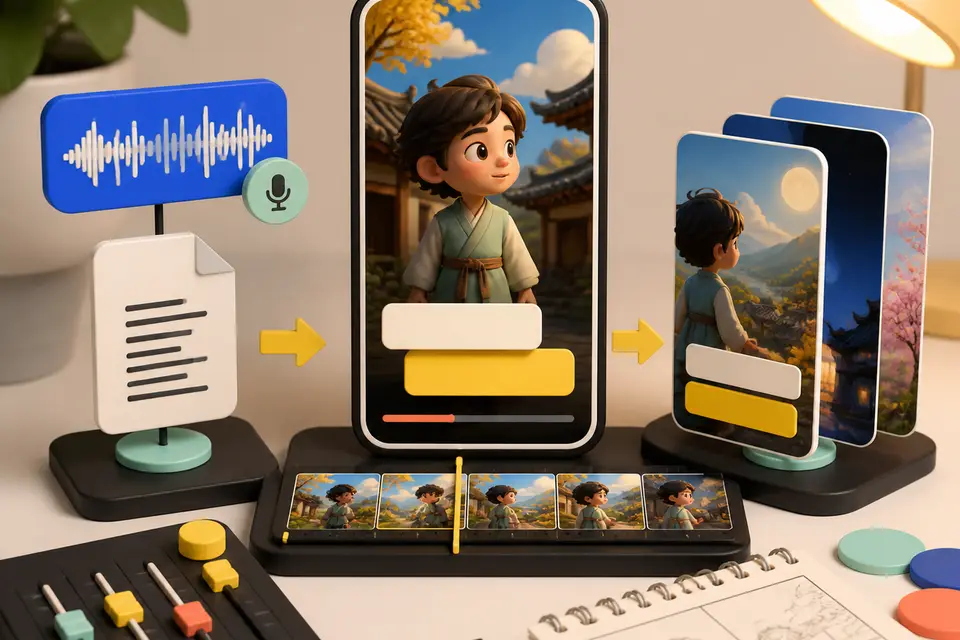
Try this feature now
Experience it on MeteorStudio
✅ 3-minute summary
- Opening Shortform mode loads the Story-Shorts card (hook + body) by default
- Upload an audio file together with an SRT file to auto-split scenes on the SRT timecodes
- Korean captions wrap without breaking words mid-syllable
- SFX, GIFs, and stock-video renders are more stable (Shorts render is a flat 500 credits)
1. Story-Shorts cards are the default
Pick Shortform in the Easy Video Builder and Story-Shorts cards open immediately. Scroll the 10 hook layouts + 20+ body cards horizontally — the preview matches the rendered output almost exactly.
It fits short narrative structures naturally: food roundups, news beats, comment reactions, tipster posts.
2. Audio + SRT in one upload
- Upload your recorded audio
- Attach the SRT file on the same screen
- Toggle auto-split to break long sentences into scene units (up to 4 seconds each)
We trust the SRT timecodes verbatim instead of re-estimating subtitles, so the exact captions you cleaned up show up on screen.
3. Korean captions no longer break mid-word
Before: Unlim ited style awkward splits
Now: short Korean words stay intact, wrapping naturally to up to 4 lines
We prioritize readability over forcing a smaller font when captions get long.
4. SFX library now leads with search
The library opens with a search bar at the top. Type a keyword → preview → apply. Built-in presets stay below as a secondary pick.
Popular keywords: transition, alert, impact, laughter, applause.
5. GIFs and stock video are more stable
- GIFs: still image → loops to match the scene length
- Resolves the over-zoom bug from previews; keeps the original aspect ratio
- Stock-video download failures now print the cause + retry log instead of
aborted - Shorts render cost: flat 500 credits (easy to predict)
Good fits
- ✅ You already have voice recordings but matching them to scenes is tedious
- ✅ You want to ship community-style story Shorts (food tips, news beats) quickly
- ✅ You already have an SRT file and want the video to match its timecodes
🚀 Head to Easy Video Builder · Shortform mode and upload audio or an SRT file.
Related posts

Korean text-motion video + real-photo briefs — May 26 update
Hera and Remotion ship as a text-motion provider class. Daily briefs switch from AI illustrations to real Pexels photos. Every trend card now opens Easy Video Maker with one click.
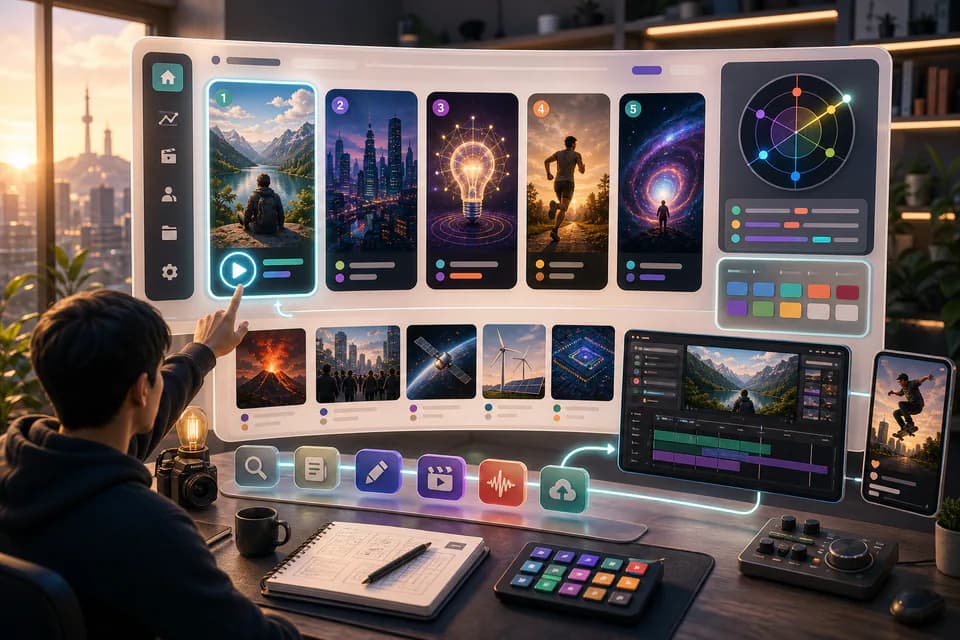
Home redesign + Daily content briefs — 5 AI-picked video ideas every day
An LLM scans Korean YouTube trending once a day and writes 5 ready-to-make briefs — hook line, three angles, recommended format, runtime estimate. The home page redesign gives you a reason to come back every day.
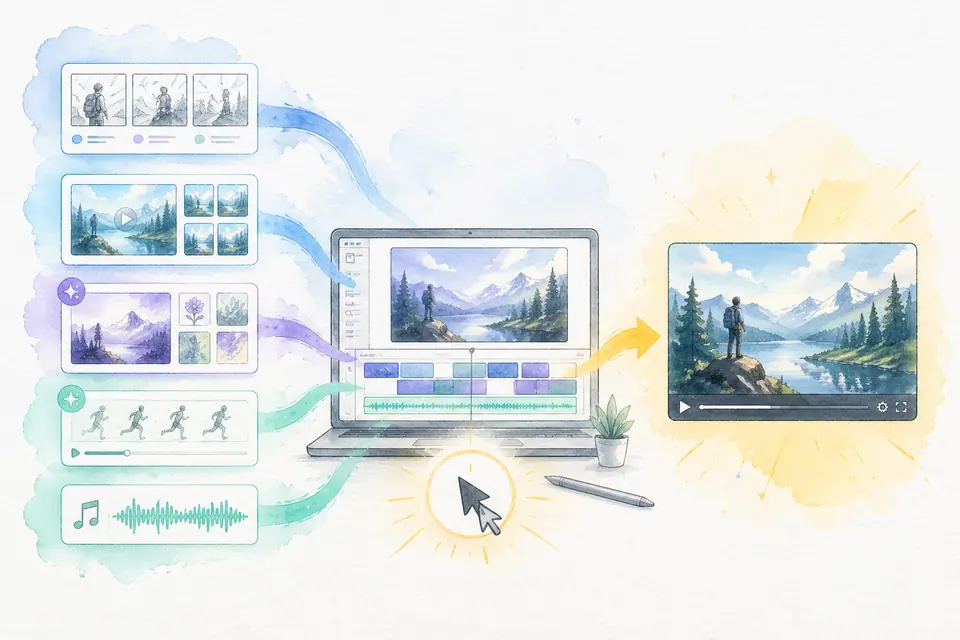
One click, one finished video — Auto-Complete feature guide
Stock matching, AI image / AI video generation, BGM, render — six steps in one click. Set ratios and order yourself. MeteorStudio's flagship automation.
Get started with MeteorStudio
Try video production, trend analysis, and channel insights — free.
Start free