Set channel branding rules for consistent videos
Save caption style, colors, fonts, and intro/outro as channel rules. Whoever makes the video, the brand feel is the same.

Try this feature now
Experience it on MeteorStudio
✅ 3-minute summary
Register once on Channel rules → applied automatically across Easy Video Builder, Shorts extraction, and image generation. Same style regardless of who makes it.
What you can set
| Category | Items |
|---|---|
| Caption style | Font, size, color, outline, position |
| Brand colors | Primary / secondary / accent |
| Intro / Outro | Shared video (a short Shorts version is auto-generated) |
| Watermark | Logo position / opacity |
💡 Also applies to Shortform top/bottom bars and AI image generation.
🎨 Configure on Channel rules.
Related posts

Korean text-motion video + real-photo briefs — May 26 update
Hera and Remotion ship as a text-motion provider class. Daily briefs switch from AI illustrations to real Pexels photos. Every trend card now opens Easy Video Maker with one click.
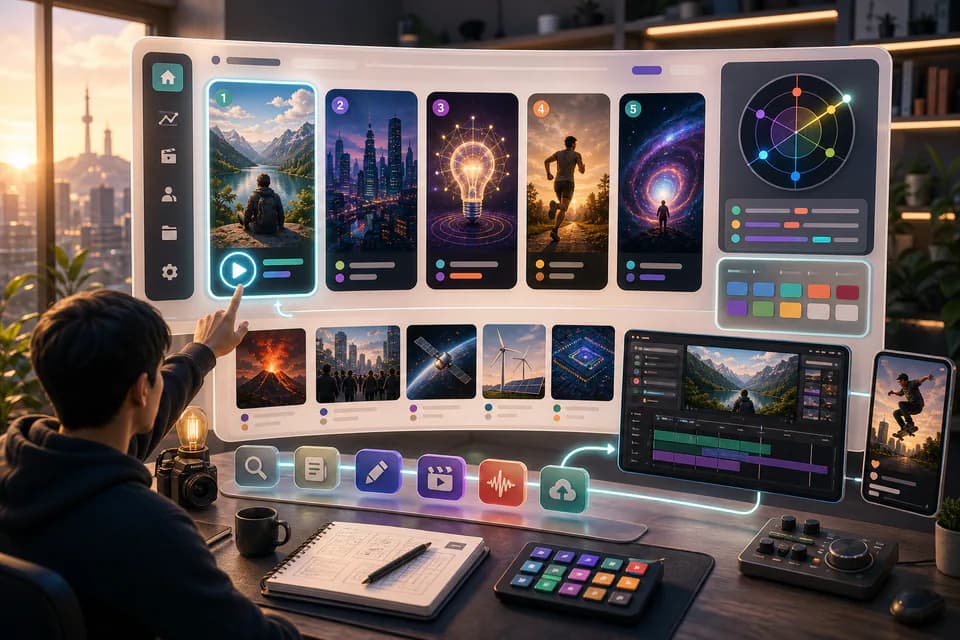
Home redesign + Daily content briefs — 5 AI-picked video ideas every day
An LLM scans Korean YouTube trending once a day and writes 5 ready-to-make briefs — hook line, three angles, recommended format, runtime estimate. The home page redesign gives you a reason to come back every day.
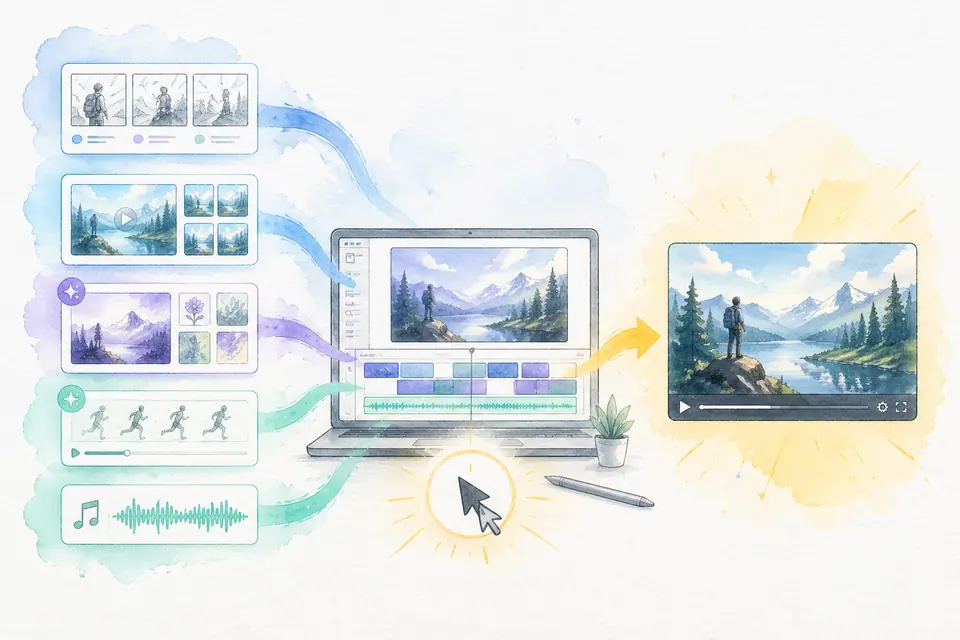
One click, one finished video — Auto-Complete feature guide
Stock matching, AI image / AI video generation, BGM, render — six steps in one click. Set ratios and order yourself. MeteorStudio's flagship automation.
Get started with MeteorStudio
Try video production, trend analysis, and channel insights — free.
Start free