YouTube channel analytics — how to use the insights dashboard
A channel-analytics tool more intuitive than YouTube Studio. Subscribers, view trends, top performers, viewer behavior — all on one screen.

Try this feature now
Experience it on MeteorStudio
✅ 3-minute summary
Channel insights = only the data creators actually need. More intuitive than YouTube Studio.
4 metrics
| Metric | What you see |
|---|---|
| Growth trend | Subscribers, views, watch time (daily / weekly / monthly) |
| Content performance | Views, like rate, comments, retention |
| Audience analysis | Age, gender, region, active hours |
| AI insights | Natural-language patterns (e.g., "Thursday 18:00 uploads get 2× impressions") |
3 ways to act on the data
- Winning formats → repeat in the next video
- Upload at the viewer-activity peak
- Benchmark competitors with Performance comparison
📈 Grow data-first with Channel insights.
Related posts

Korean text-motion video + real-photo briefs — May 26 update
Hera and Remotion ship as a text-motion provider class. Daily briefs switch from AI illustrations to real Pexels photos. Every trend card now opens Easy Video Maker with one click.

Home redesign + Daily content briefs — 5 AI-picked video ideas every day
An LLM scans Korean YouTube trending once a day and writes 5 ready-to-make briefs — hook line, three angles, recommended format, runtime estimate. The home page redesign gives you a reason to come back every day.
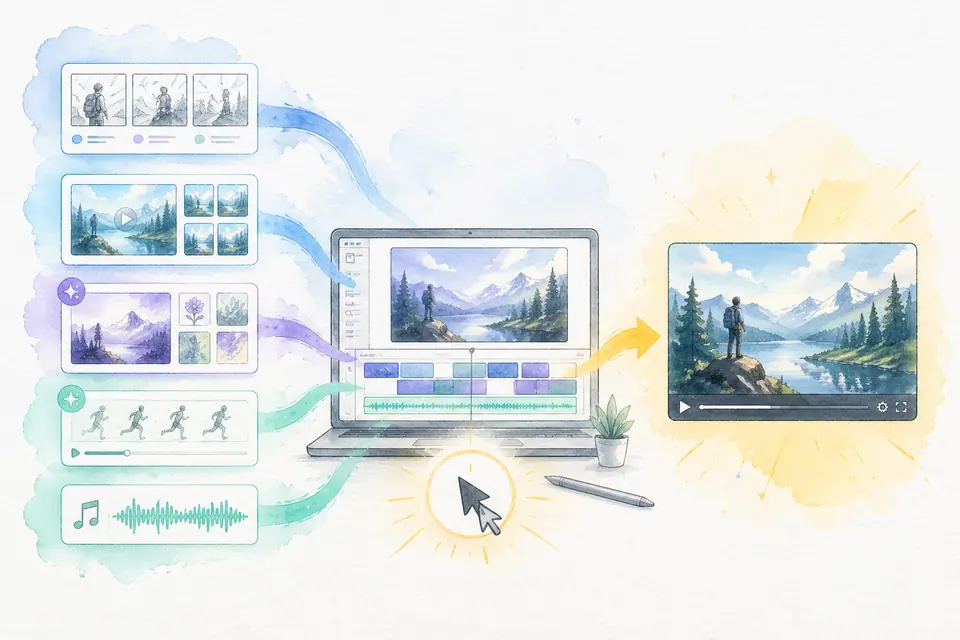
One click, one finished video — Auto-Complete feature guide
Stock matching, AI image / AI video generation, BGM, render — six steps in one click. Set ratios and order yourself. MeteorStudio's flagship automation.
Get started with MeteorStudio
Try video production, trend analysis, and channel insights — free.
Start free