No editing chops needed — Easy Video Builder guide
No editing experience required — follow 4 steps. Pick a template, drop in content, let AI auto-edit. The easiest YouTube production tool.

Try this feature now
Experience it on MeteorStudio
✅ 3-minute summary — one video in 4 steps
1. Pick a template (hundreds, by goal)
2. Add content (drag & drop or built-in stock)
3. AI auto-edit (transitions, timing, BGM)
4. Export (YouTube / Reels / TikTok formats)
Long-form vs Shortform mode
Same entry point — choose inside Easy Video Builder.
| Long-form 16:9 | Shortform 9:16 | |
|---|---|---|
| Best for | Info / lectures / reviews | Shorts / Reels / TikTok |
| Length | 3–15 min | 10s – 3 min |
| Layout | Captions + BGM + colors | Captions + top/bottom bars + channel branding |
| Speed | 10–30 min | 5–10 min |
| Use case | Watch-time accumulation | New impressions, subscriptions |
Content this fits
- Product / service overview
- Education (lectures, tutorials)
- Event promotion
- Company introduction
- Portfolios
Tips
- Don't start from a blank canvas — editing a template is faster
- Save Channel Rules first — brand colors / fonts / logo stay consistent
- Let AI pick BGM — mood auto-match
🎬 Start in Easy Video Builder.
Related posts
Korean text-motion video + real-photo briefs — May 26 update
Hera and Remotion ship as a text-motion provider class. Daily briefs switch from AI illustrations to real Pexels photos. Every trend card now opens Easy Video Maker with one click.
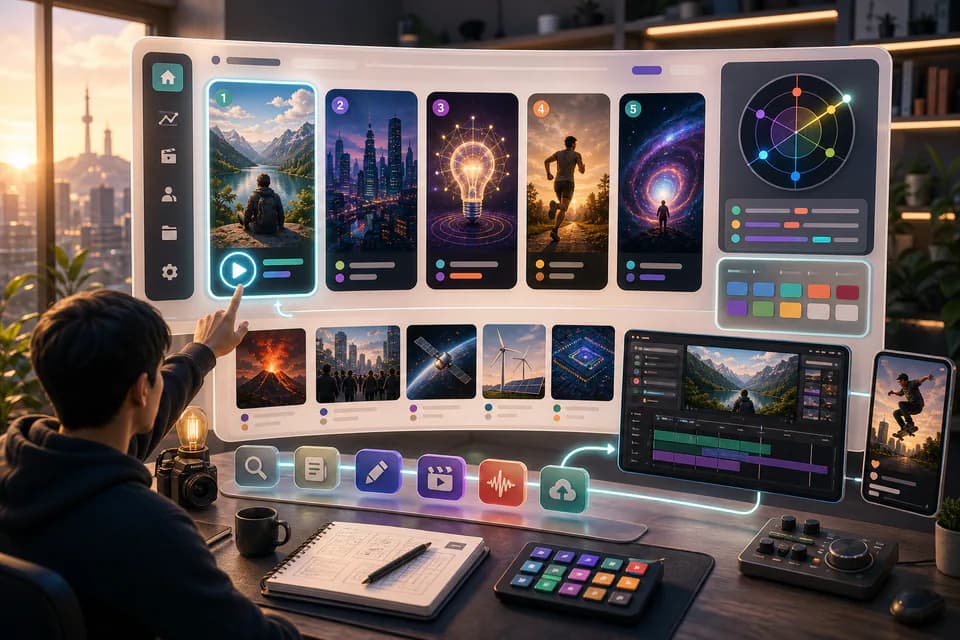
Home redesign + Daily content briefs — 5 AI-picked video ideas every day
An LLM scans Korean YouTube trending once a day and writes 5 ready-to-make briefs — hook line, three angles, recommended format, runtime estimate. The home page redesign gives you a reason to come back every day.
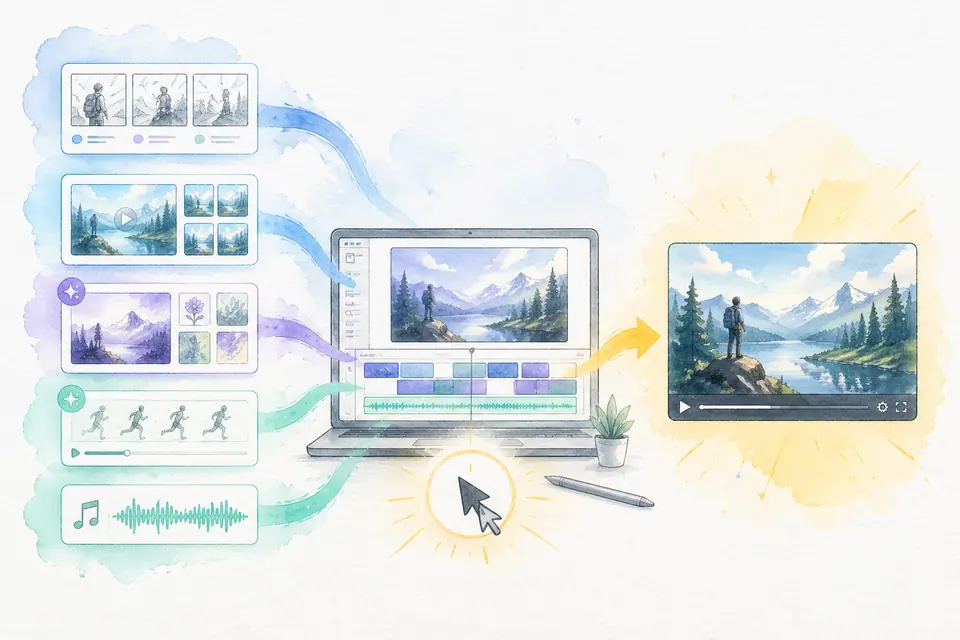
One click, one finished video — Auto-Complete feature guide
Stock matching, AI image / AI video generation, BGM, render — six steps in one click. Set ratios and order yourself. MeteorStudio's flagship automation.
Get started with MeteorStudio
Try video production, trend analysis, and channel insights — free.
Start free