Korean text-motion video + real-photo briefs — May 26 update
Hera and Remotion ship as a text-motion provider class. Daily briefs switch from AI illustrations to real Pexels photos. Every trend card now opens Easy Video Maker with one click.

Try this feature now
Experience it on MeteorStudio
✅ 3-minute summary
Three changes ship together. (1) Hera AI and Remotion become a unified text-motion provider — kinetic typography clips with Korean fonts ready out of the box. (2) Daily content briefs drop AI illustrations and match each topic to a real Pexels photo with a brief-specific keyword extractor. (3) Trend cards consolidate every legacy CTA into a single "Make Video" button.
1. Text-motion is a category, not an afterthought
Until today, Hera AI was a one-off provider. With Remotion joining, both are now grouped as a text-motion provider class. They share:
- A shared prompt schema — GPT compresses the scene narration and visual idea into one concise Korean title, 1-2 bullet phrases, and a *style profile* (Metric Dashboard / Editorial Kinetic / Timeline Strip / Comparison Board / Minimal Card Stack / News Alert).
- A separate
text_motion_promptcolumn alongside the regularvideo_prompt— text-motion clips intentionally render words, while normal AI video prompts suppress text. The two are scheduled independently per scene. - A graceful fallback ladder — if GPT goes off-script, a deterministic Korean phrase builder ships a usable prompt instead of failing the render.
Remotion runs locally via headless Chromium. Noto Sans KR (400/700/900) is loaded by default so Korean characters don't fall back to tofu (□□□). If the scene already has a background image, it's blurred under the text instead of being thrown away.
2. Daily briefs use real photos now
The static AI illustrations that used to sit on top of each brief card are gone. In their place:
- The brief's topic (Korean) is sent to a brief-specific keyword extractor. The prompt explicitly bans abstract terms ("technology", "concept", "trend", "data", "AI", "innovation") and requires concrete photographable nouns ("person using laptop", "concert stage lights", "winter campsite").
- The keyword goes to Pexels with
orientation=landscape, per_page=15. The 15 results are scored — DSLR-class native resolution (width ≥ 2400px) gains points, near-square aspect ratios lose them. The top-scored photo is shown. - Briefs that don't match show no image rather than a generic placeholder.
Each photo carries a Pexels photographer credit in the corner with a link to the source.
3. One CTA from every trend card
The trend page used to scatter four entry points across every card — Make Shorts, Save to Queue, Shorts Draft, Make Today. Three of those entry points now live behind hidden menus, so showing them on every trend card was just confusing UX.
A single flag — QUEUE_AND_DRAFT_CTAS_VISIBLE = false — hides them site-wide. Every trend card now has one CTA: Make Video. It routes straight into Easy Video Maker with the topic pre-filled. The hidden routes still work for direct URL access; only the entry points are gone.
What this changes for your day
- If you make Korean explainer / kinetic typography content, text-motion is now a first-class scene option, with the same per-second credit math as other AI video models.
- If you skim daily briefs every morning, the visual feels more credible — actual scenes instead of stylized AI art.
- If you start from the trend page, the path from interesting topic → working video is one click shorter.
🚀 Try the new text-motion option from any longform scene's AI Video menu, and refresh the home page to see today's real-photo briefs.
Related posts
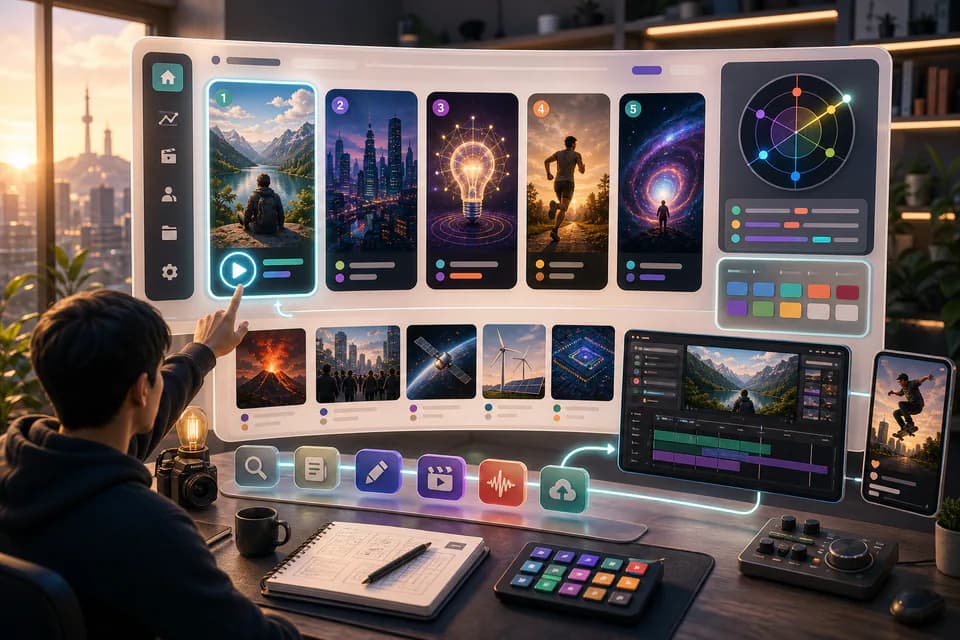
Home redesign + Daily content briefs — 5 AI-picked video ideas every day
An LLM scans Korean YouTube trending once a day and writes 5 ready-to-make briefs — hook line, three angles, recommended format, runtime estimate. The home page redesign gives you a reason to come back every day.
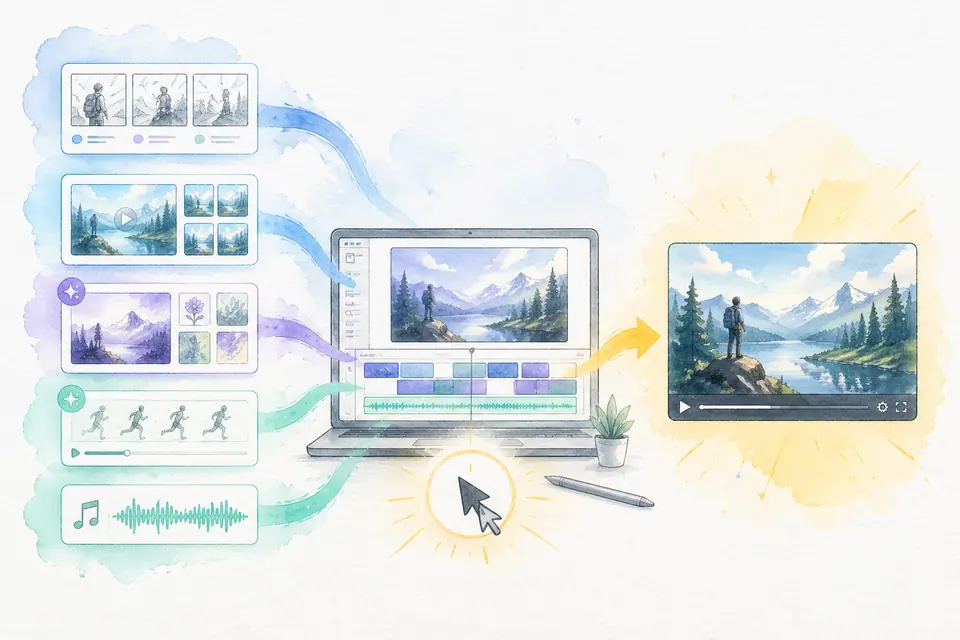
One click, one finished video — Auto-Complete feature guide
Stock matching, AI image / AI video generation, BGM, render — six steps in one click. Set ratios and order yourself. MeteorStudio's flagship automation.
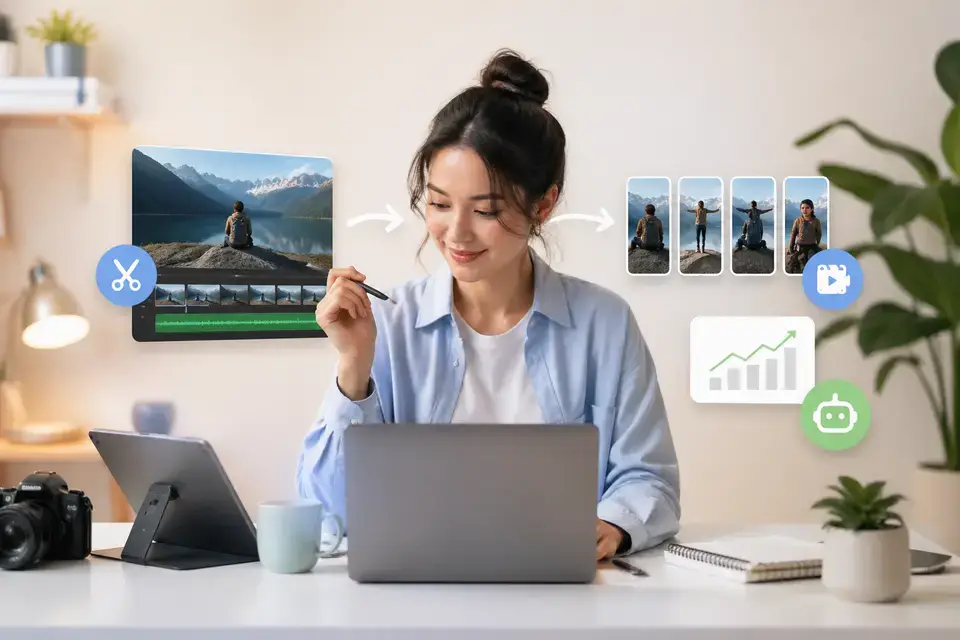
Automatically extract YouTube Shorts from long videos
AI auto-extracts Shorts from long YouTube videos. Highlight detection, vertical conversion, automatic captions — all in one pass.
Get started with MeteorStudio
Try video production, trend analysis, and channel insights — free.
Start free