Make YouTube Shorts from a script — Easy Video Builder Shortform guide
Paste a script → video, captions, and BGM finish themselves. The fastest way to make YouTube Shorts without filming — MeteorStudio Easy Video Builder Shortform.

Try this feature now
Experience it on MeteorStudio
✅ 3-minute summary — one Short in 5–10 minutes
1. Easy Video Builder → Shortform
2. Paste script (or just the topic)
3. Auto video matching + captions + BGM
4. Preview → export
Sample inputs
- "3 reasons Bitcoin broke $100K"
- "Top 5 Japanese cities for solo travel"
- "A 5-minute morning routine"
Key features
| Feature | What it does |
|---|---|
| Auto video matching | Per-scene HD stock or AI generation |
| Top/bottom bars | Title + channel handle/profile/subtitle, 20 Korean fonts |
| Caption styling | Font, color, position, animation |
| Background effects | Color presets + background effects |
| Narration | Synthetic voice or your own recording |
| Live preview | Swap media per scene, adjust timing |
Old way vs Shortform mode
| Old way | Shortform |
|---|---|
| Shoot → edit → captions → BGM → export | Script → auto-generate → polish |
| 2–4 hours | 5–10 minutes |
| Editing skills required | None |
| Buy stock separately | Built-in library |
| Separate design tools | Top/bottom bars + 20 Korean fonts |
Content this fits
- Info / education (news, tips)
- Lists ("Top 5")
- Trend reactions
- Motivation / quotes
Tips
- Find a topic in Trend Explorer → straight into Shortform
- Daily 1 Short routine for algorithm momentum
- Make the top/bottom bars your channel signature (same colors, fonts, profile)
- Run A/B tests on the same topic
🚀 Start your first Short in Shortform mode.
Related posts

Korean text-motion video + real-photo briefs — May 26 update
Hera and Remotion ship as a text-motion provider class. Daily briefs switch from AI illustrations to real Pexels photos. Every trend card now opens Easy Video Maker with one click.
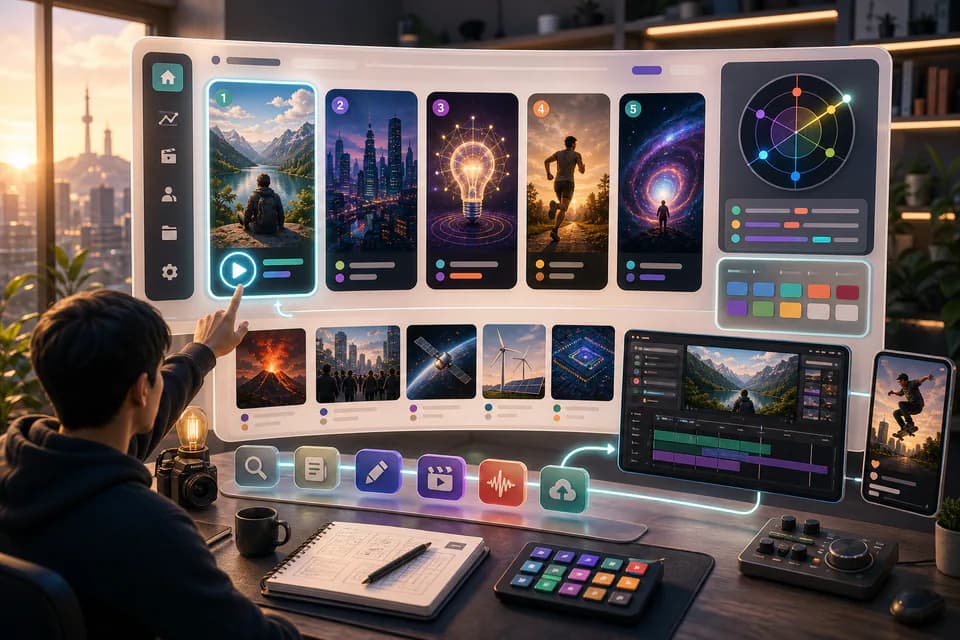
Home redesign + Daily content briefs — 5 AI-picked video ideas every day
An LLM scans Korean YouTube trending once a day and writes 5 ready-to-make briefs — hook line, three angles, recommended format, runtime estimate. The home page redesign gives you a reason to come back every day.
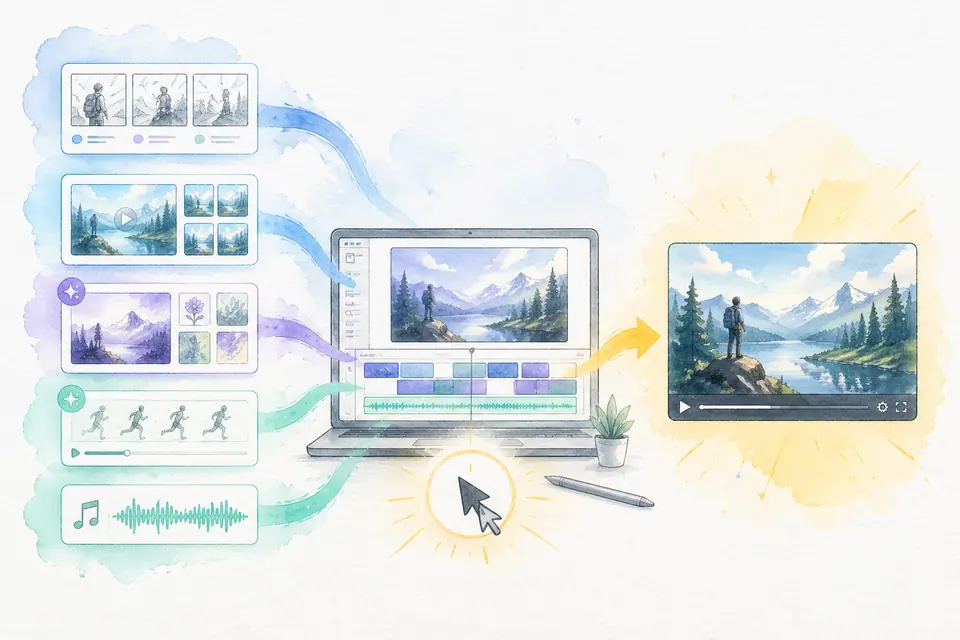
One click, one finished video — Auto-Complete feature guide
Stock matching, AI image / AI video generation, BGM, render — six steps in one click. Set ratios and order yourself. MeteorStudio's flagship automation.
Get started with MeteorStudio
Try video production, trend analysis, and channel insights — free.
Start free