Automatically extract YouTube Shorts from long videos
AI auto-extracts Shorts from long YouTube videos. Highlight detection, vertical conversion, automatic captions — all in one pass.

Try this feature now
Experience it on MeteorStudio
✅ 3-minute summary — 4 steps to extract Shorts
1. Upload (file or YouTube URL, ≤ 2 hours)
2. AI highlight detection (emotion shifts and key info)
3. 9:16 conversion + face tracking + captions
4. Preview → export
How it works
| Step | Auto-handled |
|---|---|
| 1 Upload | MP4 / MOV / AVI, up to 2h |
| 2 Highlights | Impact segments selected automatically |
| 3 Convert | 9:16 + face tracking + captions |
| 4 Fine-tune | Adjust segments / captions, then export |
Best fit
- ✅ Channels with lots of long-form — extract free content
- ✅ No time to make Shorts
- ✅ Accelerate new-subscriber acquisition
Practical tips
- Exclude intro / outro — manual range picks improve accuracy
- Style captions up front — save in Channel Rules for consistency
- 3–5 Shorts per long video is the sweet spot — more dilutes quality
FAQ
Supported formats?
MP4, MOV, AVI and common formats.
Resolution?
Up to 1080×1920 (Full HD vertical), depending on source quality.
TikTok / Reels?
Yes, pick the aspect ratio you need.
💡 Extract Shorts — the first 3 are free with the starter credits.
Related posts

Korean text-motion video + real-photo briefs — May 26 update
Hera and Remotion ship as a text-motion provider class. Daily briefs switch from AI illustrations to real Pexels photos. Every trend card now opens Easy Video Maker with one click.
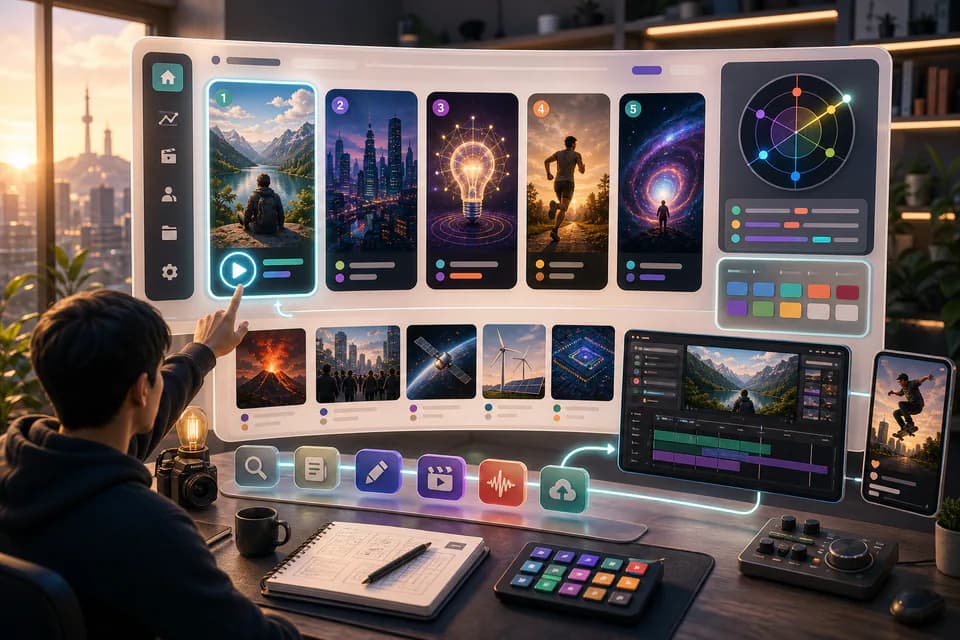
Home redesign + Daily content briefs — 5 AI-picked video ideas every day
An LLM scans Korean YouTube trending once a day and writes 5 ready-to-make briefs — hook line, three angles, recommended format, runtime estimate. The home page redesign gives you a reason to come back every day.
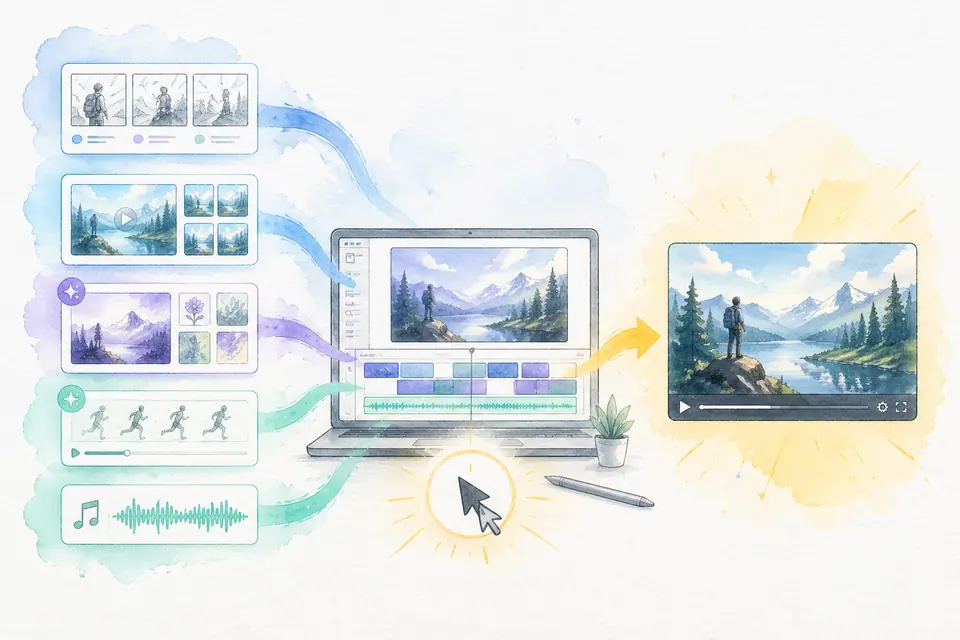
One click, one finished video — Auto-Complete feature guide
Stock matching, AI image / AI video generation, BGM, render — six steps in one click. Set ratios and order yourself. MeteorStudio's flagship automation.
Get started with MeteorStudio
Try video production, trend analysis, and channel insights — free.
Start free