Thumbnail CTR basics for small channels
The most practical principles for raising CTR on channels with few subscribers. Facial expressions, contrast, text legibility, composition, and A/B comparison — production-focused.
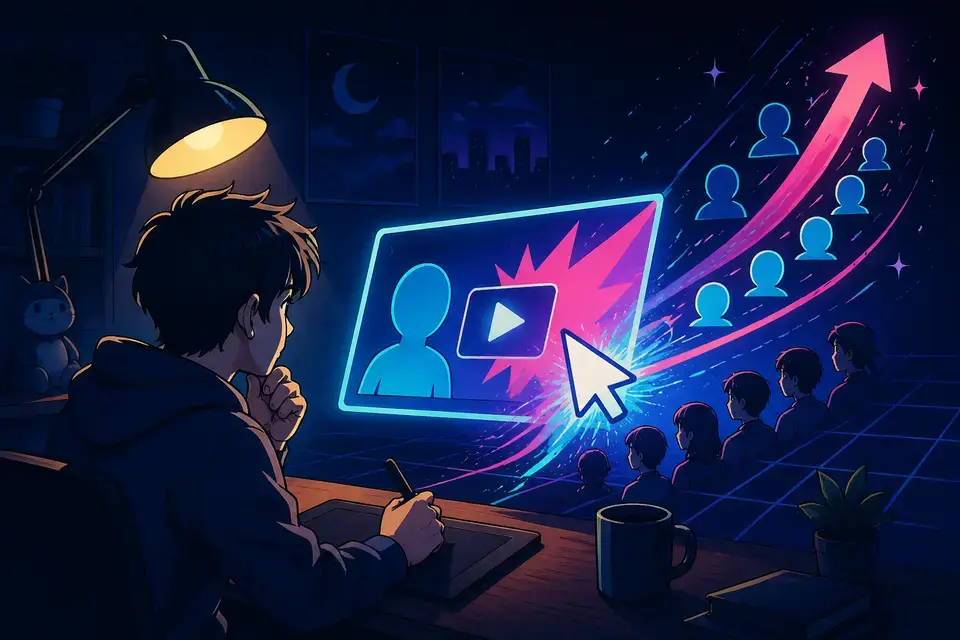
Try this feature now
Experience it on MeteorStudio
✅ 3-minute summary — 7 CTR principles for small channels
1. Keep 3 elements or fewer on screen
2. Faces show one single emotion
3. Subject stays clear even when converted to grayscale
4. Text is 3–6 characters, bold
5. The person's gaze points to the text
6. Design opposite to top-ranking competitors
7. Key word in the thumbnail matches the title
Principle 1 · 3 elements or fewer
Recommended layout:
- Face / hero object × 1 (large)
- Short text 3–6 characters
- Accent color × 1
More elements → viewers stall and scroll past.
Principle 2 · Single emotion
Pick one — surprise, doubt, curiosity, regret. Vague smiles or blank faces are weak. Shooting with one exaggerated emotion makes the cut selection easier.
Principle 3 · Contrast
💡 Test: convert the thumbnail to grayscale. If the subject is still distinct, you pass. If it's muddy, boost contrast.
Mobile thumbnails render at thumbnail-of-thumb size.
Principle 4 · 3–6 character text
- ✅ Break in 3–6 character units
- ✅ Bold/Black weight
- ✅ Outline or shadow to separate from background
- ✅ Two colors max
Image gen's thumbnail text overlay applies these quickly.
Principle 5 · Gaze direction
Have the person look toward the text → viewer attention follows. Even one switch can shift CTR meaningfully.
Principle 6 · Go the other way
If competing thumbnails are black + yellow → use white + blue. If they're front-facing → use a side angle or back view.
Principle 7 · Title × thumbnail alignment
The thumbnail's key word should appear in the title verbatim. Clickbait spikes short-term CTR but kills retention → algorithm penalty.
A/B routine
- Prep 2 versions for every upload
- Ship version A
- Check CTR after 3 days → swap to B if below expectation
- Once a month, summarize the cumulative pattern
Pre-publish checklist
- [ ] 3 elements or fewer
- [ ] Single emotion
- [ ] Grayscale-OK
- [ ] Mobile-readable within 0.5s
- [ ] Differentiated from competition
- [ ] Key word also appears in the title
- [ ] Chose 1 of 2 candidates
Common mistakes
- Text over 12 characters → unreadable
- Face too small → 30%+ of the frame is typical
- Too dark a palette → YouTube UI is light
- Same template every time → loses differentiation
FAQ
Use AI-generated images directly?
Check each model's terms. See Data sources.
Does swapping an old video's thumbnail still help?
Yes. Re-impressions often pick up.
Avoiding face exposure?
Hand gestures, object close-ups, illustrations, infographics — anything that delivers a single legible message works.
Read next: 10 thumbnail concepts · AI thumbnail images
💡 Use Image gen batch mode to create thumbnail variants for A/B testing in one shot.
Note: These are general recommendations — adjust with your channel's historical data.
Related posts
![Complete YouTube beginner creator guide [2026] cover image](/_next/image?url=%2Fimages%2Fblog%2Fbeginner-creator-guide.webp&w=3840&q=75)
Complete YouTube beginner creator guide [2026]
From starting a channel to your first 1000 subs. Channel setup, topic picking, production, and Shorts strategy — a complete beginner playbook.
5 ways for solo creators to automate video production
How to run a YouTube channel alone and still publish daily. Use AI automation to cut planning-through-editing time by 5×.
Efficient ways to run a YouTube channel as a team
How to run a YouTube channel efficiently with editors, writers, and managers. Role allocation, approval workflow, and tooling — a complete team-operations guide.
Get started with MeteorStudio
Try video production, trend analysis, and channel insights — free.
Start free