Creator Workflow Guides
Planning, editing, QA, publishing routines

Korean text-motion video + real-photo briefs — May 26 update | MeteorStudio
Hera and Remotion ship as a text-motion provider class. Daily briefs switch from AI illustrations to real Pexels photos. Every trend card now opens Easy Video Maker with one click.
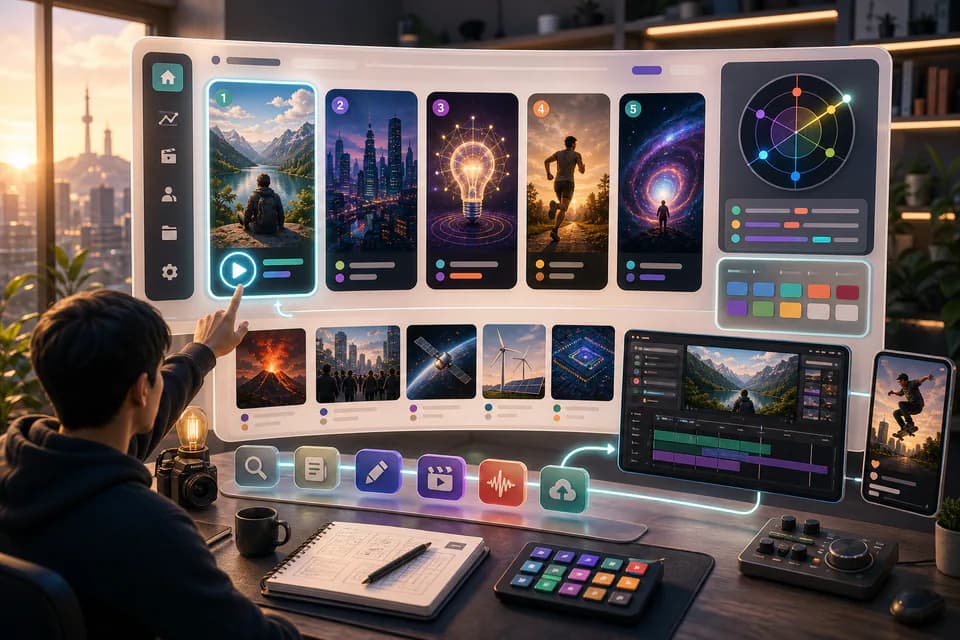
Home redesign + Daily content briefs — 5 AI-picked video ideas every day | MeteorStudio
An LLM scans Korean YouTube trending once a day and writes 5 ready-to-make briefs — hook line, three angles, recommended format, runtime estimate. The home page redesign gives you a reason to come back every day.
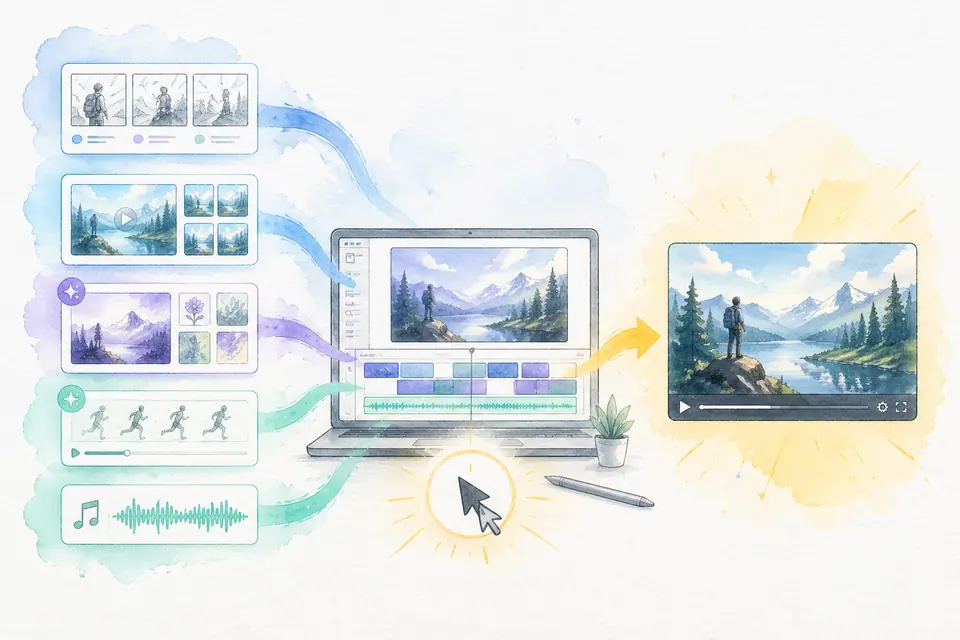
One click, one finished video — Auto-Complete feature guide | MeteorStudio
Stock matching, AI image / AI video generation, BGM, render — six steps in one click. Set ratios and order yourself. MeteorStudio's flagship automation.

How to find YouTube topics that actually resonate — reading trend signals
Don't pick by gut — use real search and viewer-data signals. Read rising keywords, evaluate competition, spot seasonality, and judge content fit with a clear checklist.

Shorts vs long-form — when should you use each? | MeteorStudio
Even on the same topic, Shorts can be better than long-form, or vice versa. Practical guidance on combining the two by acquisition, revenue, and branding lens.

7 common mistakes in AI subtitle workflows | MeteorStudio
Shipping AI auto-captions verbatim is easy to overlook. Proper nouns, spelling, timing, readability, language mixing — what to avoid and how to fix it.

Build a weekly production system — an upload rhythm that doesn't burn you out | MeteorStudio
The key to consistent uploads is a week-level system, not a day-level plan. Distribute ideation, shooting, editing, QA, and scheduled publishing by weekday.

What makes a good news / issue explainer video | MeteorStudio
Issue explainers live on the balance between speed and accuracy. A practical structure for the hook, fact-checking, context, counter-arguments, and sourcing.

Using stock footage without making your video feel generic | MeteorStudio
Stock is fast, but used poorly it flattens your video. Clip selection, editing variation, people/place choices, audio pairing — concrete ways to avoid the generic feel.

Creator pre-publish checklist — 25 points worth catching | MeteorStudio
Twenty-five checkpoints to run before you hit publish. Thumbnail, title, captions, copyright, SEO, platform compliance — a final pass that cuts costly mistakes.

Evaluating topic competition before you make a video | MeteorStudio
To stop making videos that bury, evaluate competition first. How to measure top-video channel size, view velocity, topic angles, and search saturation.

Building repeatable channel rules — the foundation of consistent content | MeteorStudio
Stop re-deciding everything each video — define channel rules once. Caption style, colors, title structure, thumbnail templates — define once, apply to everything.

Treat AI outputs as drafts — the editorial mindset | MeteorStudio
How to use generative AI in creative work comes down to the creator's editorial stance. What to do — and not do — at the draft stage.
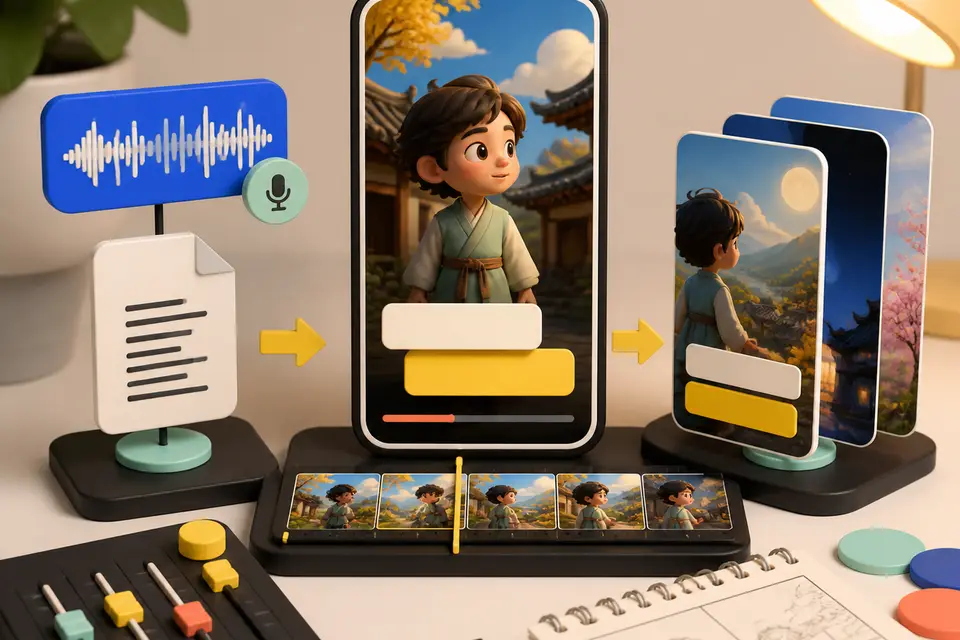
Story Shorts + SRT subtitle matching — upload just the audio and your Shorts draft is cleaner
MeteorStudio Easy Video Builder shortform update. Story-Shorts default, SRT timecode matching, 4-second scene splitting, subtitles that don't break words mid-syllable, SFX search, and looping GIF playback.

How to make a YouTube Short — a 30-minute step-by-step guide
A 30-minute end-to-end flow for one Short. Practical time-savers for topic, script, footage, captions, and QA. Start here if Shorts are new to you.
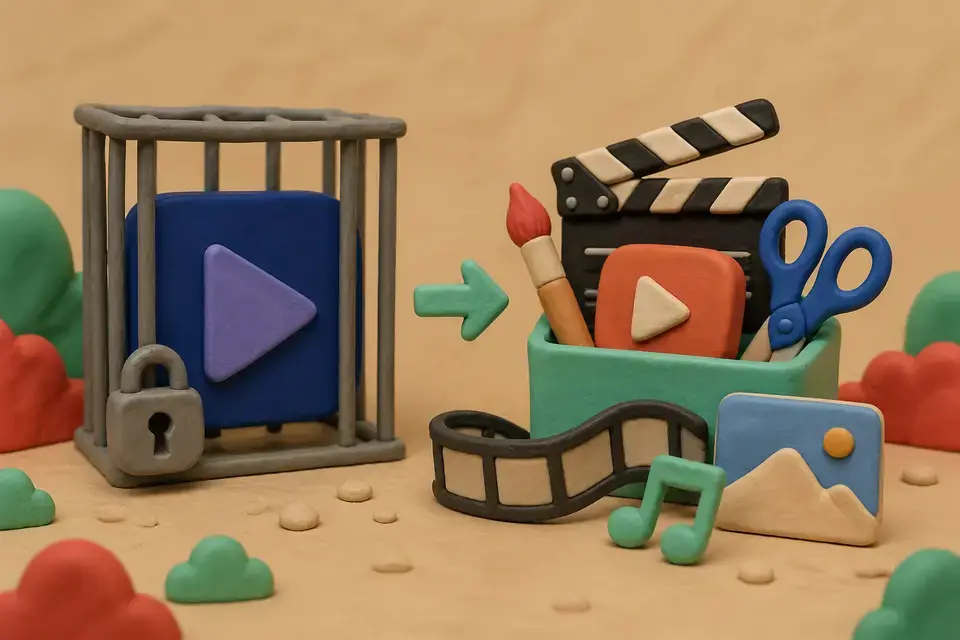
Make videos without Premiere Pro — 2026 alternatives compared
Premiere-Pro-free alternatives for YouTube. Strengths and limits of CapCut, Vrew, and MeteorStudio, plus a situational picking guide.

Save editing time — 5 automation tips for solo creators
Five concrete ways for solo creators to cut editing time. Automating footage, captions, BGM, and color plus a recycling pipeline takes a video down to 35 minutes.
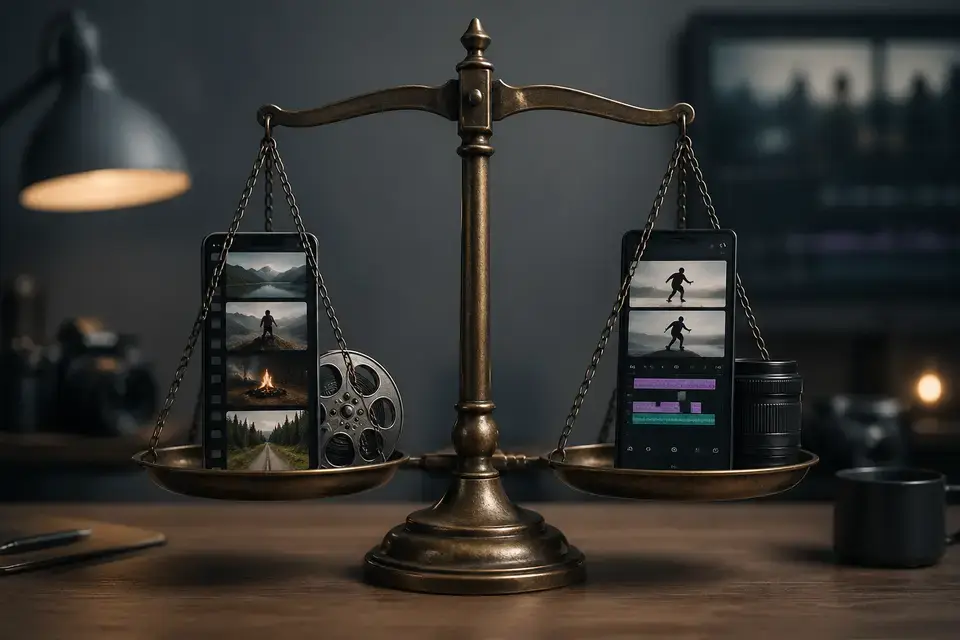
Shorts editor comparison 2026 — CapCut, Vrew, Canva, MeteorStudio
2026 comparison of CapCut, Vrew, Canva, and MeteorStudio across learning curve, Shorts friendliness, automation, Korean quality, and price. With situational picks.

YouTube auto-caption tool comparison — YouTube, Vrew, Clipchamp, MeteorStudio
YouTube auto-caption tools compared — YouTube auto-captions, Vrew, Clipchamp, and MeteorStudio scored on accuracy, timing, editing UX, and brand consistency.

MeteorStudio April 2026 update — new models, SFX, and stock video improvements
April 2026 update — value-tier Wan 2.2 Turbo, GPT-5.4 script splitting, scene-transition SFX, background video generation, text-friendly image gen, and the Creator Survival game.