AI Video Editing Guides
Captions, images, stock and AI tooling

Korean text-motion video + real-photo briefs — May 26 update | MeteorStudio
Hera and Remotion ship as a text-motion provider class. Daily briefs switch from AI illustrations to real Pexels photos. Every trend card now opens Easy Video Maker with one click.
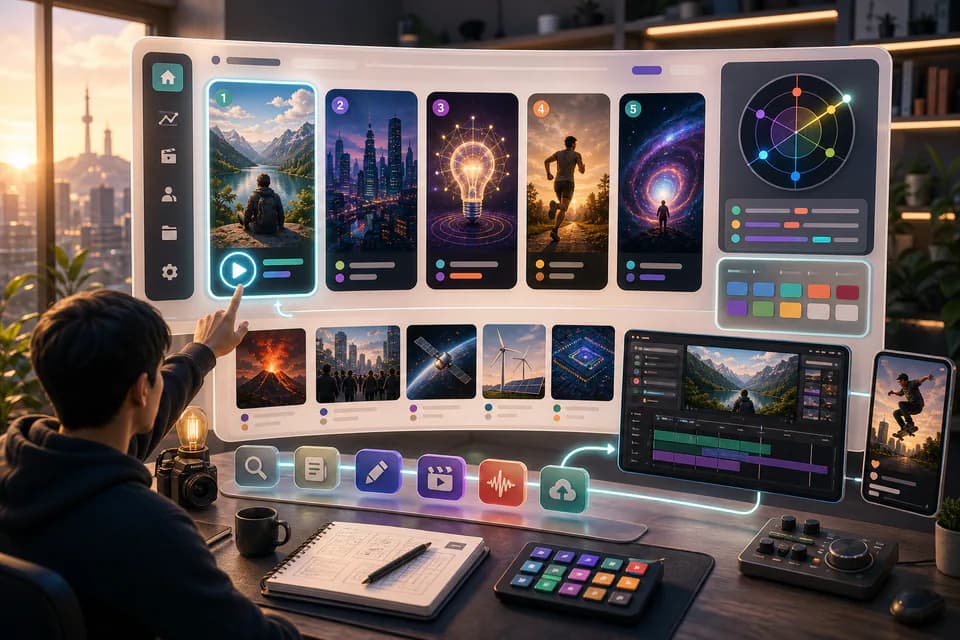
Home redesign + Daily content briefs — 5 AI-picked video ideas every day | MeteorStudio
An LLM scans Korean YouTube trending once a day and writes 5 ready-to-make briefs — hook line, three angles, recommended format, runtime estimate. The home page redesign gives you a reason to come back every day.

One click, one finished video — Auto-Complete feature guide | MeteorStudio
Stock matching, AI image / AI video generation, BGM, render — six steps in one click. Set ratios and order yourself. MeteorStudio's flagship automation.

7 common mistakes in AI subtitle workflows | MeteorStudio
Shipping AI auto-captions verbatim is easy to overlook. Proper nouns, spelling, timing, readability, language mixing — what to avoid and how to fix it.

What makes a good news / issue explainer video | MeteorStudio
Issue explainers live on the balance between speed and accuracy. A practical structure for the hook, fact-checking, context, counter-arguments, and sourcing.

Using stock footage without making your video feel generic | MeteorStudio
Stock is fast, but used poorly it flattens your video. Clip selection, editing variation, people/place choices, audio pairing — concrete ways to avoid the generic feel.

AI image generation for thumbnails — practical Dos and Don'ts | MeteorStudio
Prompt writing, style selection, and post-editing tips to push AI-thumbnail quality up — plus how to avoid copyright, disclosure, and overstatement pitfalls.

Treat AI outputs as drafts — the editorial mindset | MeteorStudio
How to use generative AI in creative work comes down to the creator's editorial stance. What to do — and not do — at the draft stage.