METEORSTUDIO
WorkflowFeaturesHow It WorksFAQBlogGuides
Get Started
WorkflowFeaturesHow It WorksFAQBlogGuides
Get Started
Home/Blog/Shorts Production
📱

Shorts Production Guides

Shorts format, hooks, long-to-short workflows

Shorts vs long-form — when should you use each? | MeteorStudio

Shorts vs long-form — when should you use each? | MeteorStudio

Even on the same topic, Shorts can be better than long-form, or vice versa. Practical guidance on combining the two by acquisition, revenue, and branding lens.
8 minRead →
Story Shorts + SRT subtitle matching — upload just the audio and your Shorts draft is cleaner

Story Shorts + SRT subtitle matching — upload just the audio and your Shorts draft is cleaner

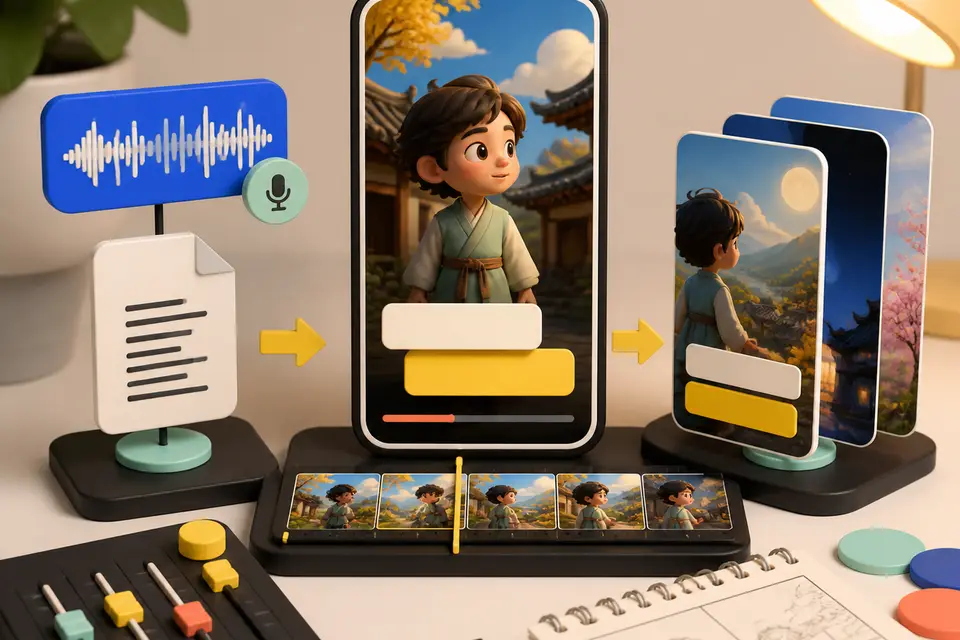
MeteorStudio Easy Video Builder shortform update. Story-Shorts default, SRT timecode matching, 4-second scene splitting, subtitles that don't break words mid-syllable, SFX search, and looping GIF playback.

5 minRead →
How to make a YouTube Short — a 30-minute step-by-step guide

How to make a YouTube Short — a 30-minute step-by-step guide

A 30-minute end-to-end flow for one Short. Practical time-savers for topic, script, footage, captions, and QA. Start here if Shorts are new to you.

7 minRead →
Make videos without Premiere Pro — 2026 alternatives compared

Make videos without Premiere Pro — 2026 alternatives compared

Premiere-Pro-free alternatives for YouTube. Strengths and limits of CapCut, Vrew, and MeteorStudio, plus a situational picking guide.

8 minRead →
Shorts editor comparison 2026 — CapCut, Vrew, Canva, MeteorStudio

Shorts editor comparison 2026 — CapCut, Vrew, Canva, MeteorStudio

2026 comparison of CapCut, Vrew, Canva, and MeteorStudio across learning curve, Shorts friendliness, automation, Korean quality, and price. With situational picks.

9 minRead →
YouTube auto-caption tool comparison — YouTube, Vrew, Clipchamp, MeteorStudio

YouTube auto-caption tool comparison — YouTube, Vrew, Clipchamp, MeteorStudio

YouTube auto-caption tools compared — YouTube auto-captions, Vrew, Clipchamp, and MeteorStudio scored on accuracy, timing, editing UX, and brand consistency.

7 minRead →
MeteorStudio April 2026 update — new models, SFX, and stock video improvements

MeteorStudio April 2026 update — new models, SFX, and stock video improvements

April 2026 update — value-tier Wan 2.2 Turbo, GPT-5.4 script splitting, scene-transition SFX, background video generation, text-friendly image gen, and the Creator Survival game.

6 minRead →

Browse other topics

📈YouTube Trends🖼️Thumbnail Strategy🔄Creator Workflow🤖AI Video Editing
METEORSTUDIO

AI-assisted tools help YouTube creators produce faster. Outputs are drafts, and creators should review them before publishing.

CompanyAboutHow it worksContact Us
ContentBlogGuidesFAQ
TrustEditorial PolicyContent PrinciplesData Sources
Policy & BillingTerms of ServicePrivacy PolicyCreditsRefund Policy
SISTER SERVICETubeAnatomy

For deeper channel & video analysis, try TubeAnatomy

TubeAnatomy — YouTube channel analytics
yuseong2099@gmail.com

Videos, images, and captions may be generated with AI. Reviewing and using the output is the user's responsibility.

External sources (Pexels/Pixabay stock, BGM, fonts, etc.) are used under their own licenses. We are not officially partnered with or endorsed by these providers.

Company YSSOFTCEO Yuseong KimBusiness No. 676-13-01790

Address 165, Misagangbyeonhangang-ro, Hanam-si, Gyeonggi-do, 8F Unit BA08-0016 (Mangwol-dong)

Zip 12902Phone 010-2027-7257

© 2026 YSSOFT. All rights reserved.