Manage your YouTube content calendar — production scheduling
Run your video pipeline on a calendar from planning to publish. Team sharing, deadline notifications, auto-scheduling — never miss a production beat.

Try this feature now
Experience it on MeteorStudio
✅ 3-minute summary
Production calendar = uploads, milestones, team schedule, deadline alerts — one screen. The algorithm loves consistency.
Calendar features
| Feature | What it does |
|---|---|
| Upload schedule | Month / week views |
| Production milestones | Plan, script, produce, review, publish — per stage |
| Team sharing | Schedules merged across owners |
| Deadline alerts | Auto push |
3 operating tips
- Plan in weekly chunks (further out shifts)
- Reserve a trend slot for breaking topics
- Lock the upload day and time → viewers learn the pattern
📅 Manage on Production calendar.
Related posts

Korean text-motion video + real-photo briefs — May 26 update
Hera and Remotion ship as a text-motion provider class. Daily briefs switch from AI illustrations to real Pexels photos. Every trend card now opens Easy Video Maker with one click.
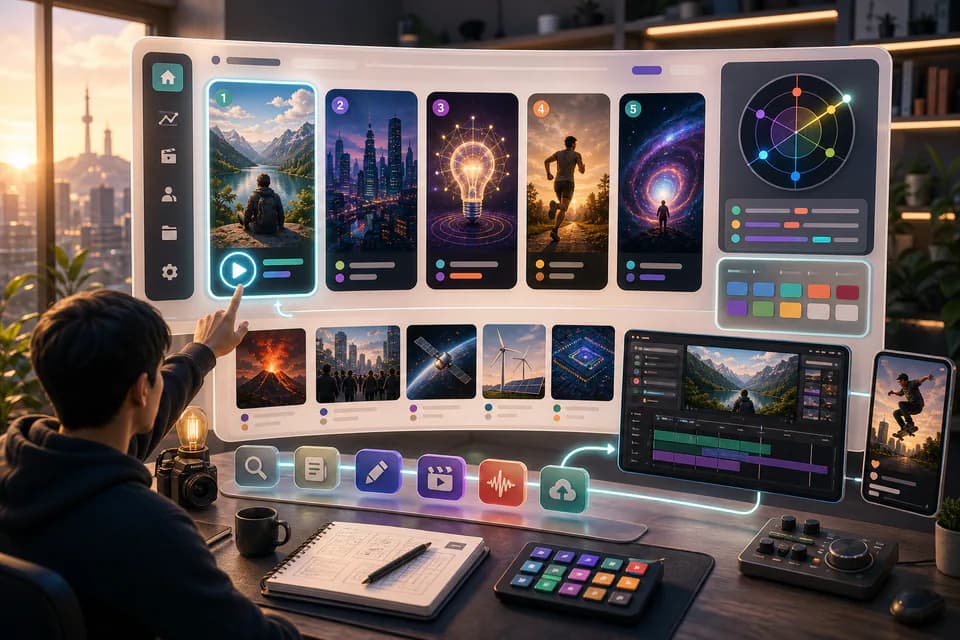
Home redesign + Daily content briefs — 5 AI-picked video ideas every day
An LLM scans Korean YouTube trending once a day and writes 5 ready-to-make briefs — hook line, three angles, recommended format, runtime estimate. The home page redesign gives you a reason to come back every day.
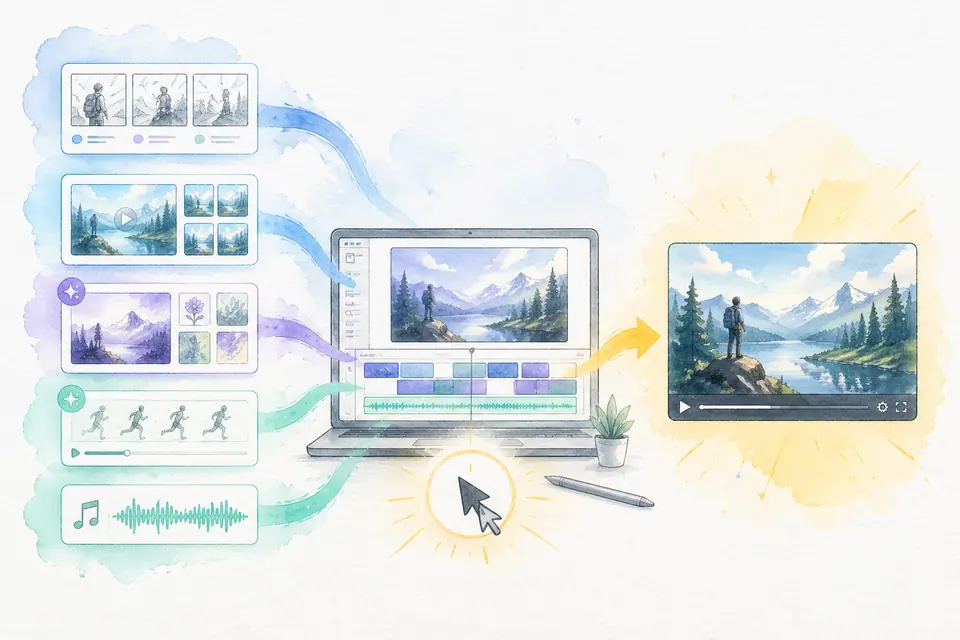
One click, one finished video — Auto-Complete feature guide
Stock matching, AI image / AI video generation, BGM, render — six steps in one click. Set ratios and order yourself. MeteorStudio's flagship automation.
Get started with MeteorStudio
Try video production, trend analysis, and channel insights — free.
Start free